Interchain Token Transfer (ICTT)
Interchain Token Transfer (ICTT) allows you to move tokens between Avalanche L1s, including Watr Network and Avalanche Fuji C-Chain. On Watr testnet, you can transfer WATR tokens between Fuji C-Chain and Watr using the ICTT relayer portal.
What is ICTT?
ICTT is an application built on Avalanche Interchain Messaging (ICM) that enables token transfers across L1 chains. It uses:
- TokenHome – A contract on the chain where the asset originally exists. It locks tokens when you send them out and releases them when they are sent back.
- TokenRemote – A contract on another chain that mints a representation of the asset when tokens are sent to it, and burns when tokens are sent back.
Transfers are permissionless: once a remote is registered with a home, anyone can move tokens between them. Supported combinations include ERC20↔ERC20, ERC20↔Native, and Native↔Native.
ICTT also supports multi-hop transfers (e.g. Chain A → Home → Chain B) and sendAndCall, which lets you transfer tokens and call a contract on the destination chain in one ICM message. See the official Avalanche ICTT overview for details.
Using ICTT on Watr Testnet (WATR between Fuji and Watr)
On Watr testnet, WATR can be transferred between Avalanche Fuji C-Chain and Watr Network via the Cogitus-hosted ICTT relayer portal.
Prerequisites
- A wallet (e.g. MetaMask) with:
- Some test WATR on the source chain (from the Watr Testnet Faucet or Fuji Faucet as needed for the direction you transfer)
Step 1: Open the ICTT Relayer Portal
- Go to the Watr Testnet ICTT relayer portal:
https://relayer-watr-testnet.cogitus.io/ictt - Connect your wallet and ensure you are on the correct network (Watr Testnet or Fuji C-Chain, depending on the direction of transfer).
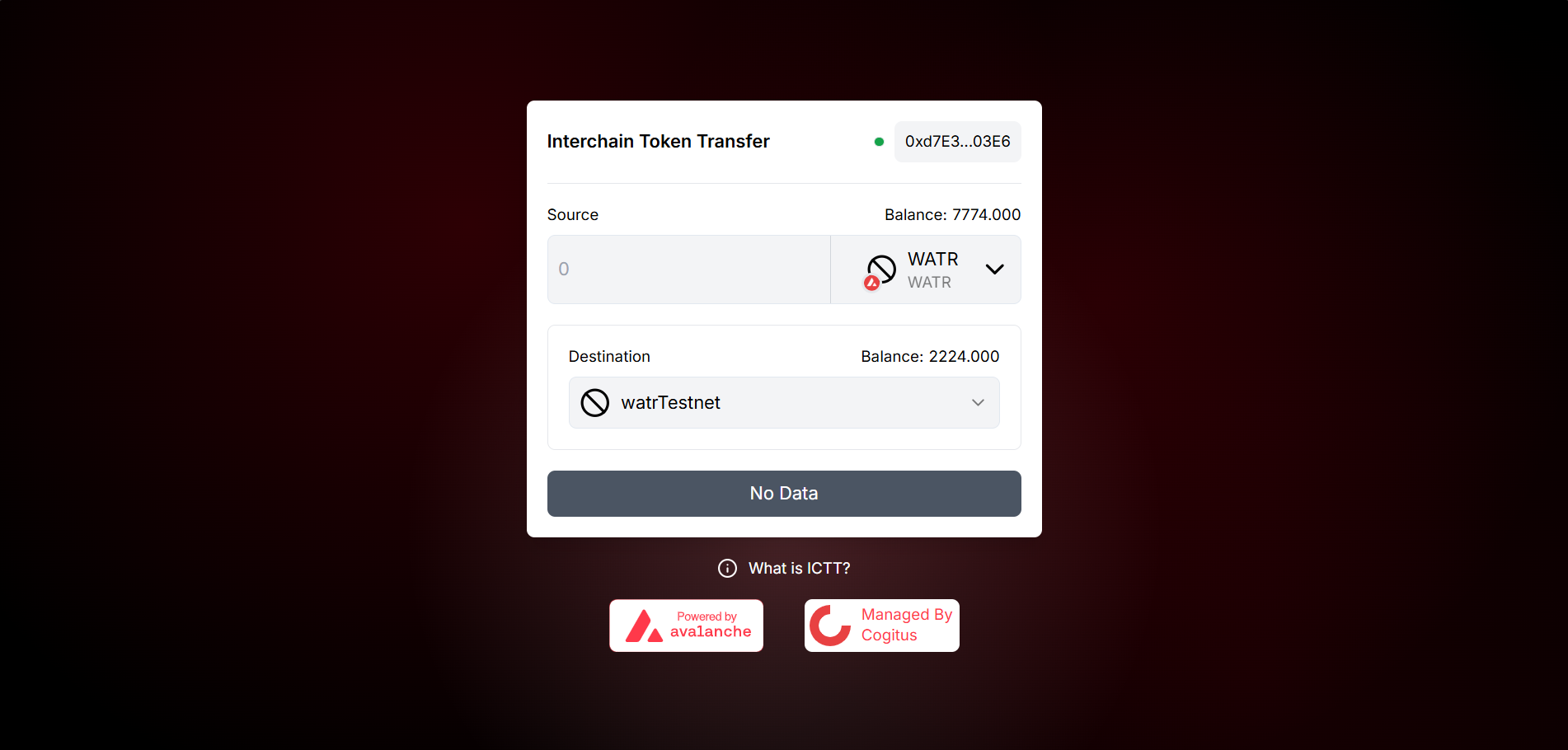
Step 2: Choose Transfer Direction
- Select source chain (e.g. Fuji C-Chain or Watr Network).
- Select destination chain (Watr Network or Fuji C-Chain).
- Confirm the WATR asset and amount you want to transfer.
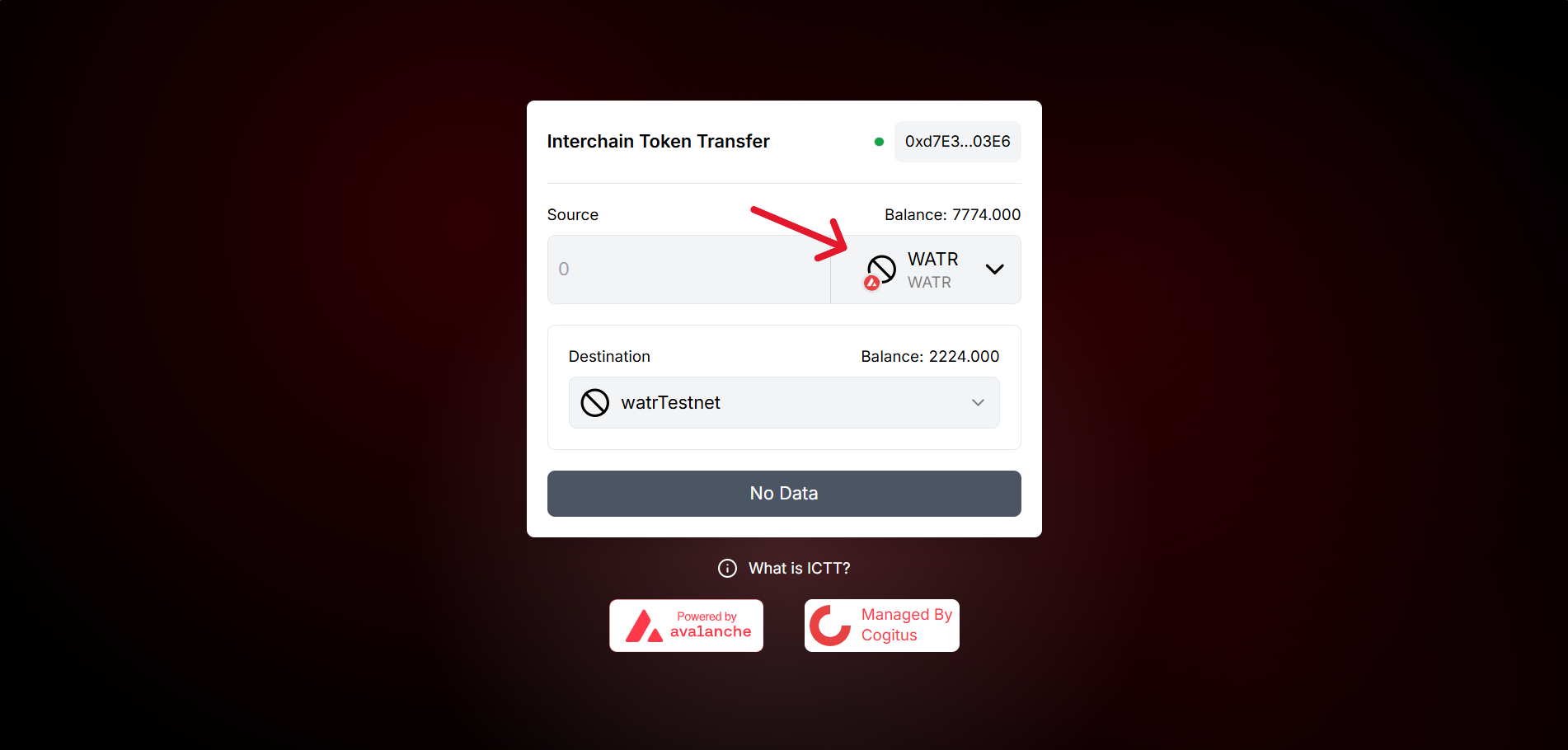
Step 3: Enter Amount
- Enter the amount of WATR you want to transfer.
- Review any fees or limits shown on the portal.
- Proceed to trigger the approve step (e.g. click Send or the primary action button).
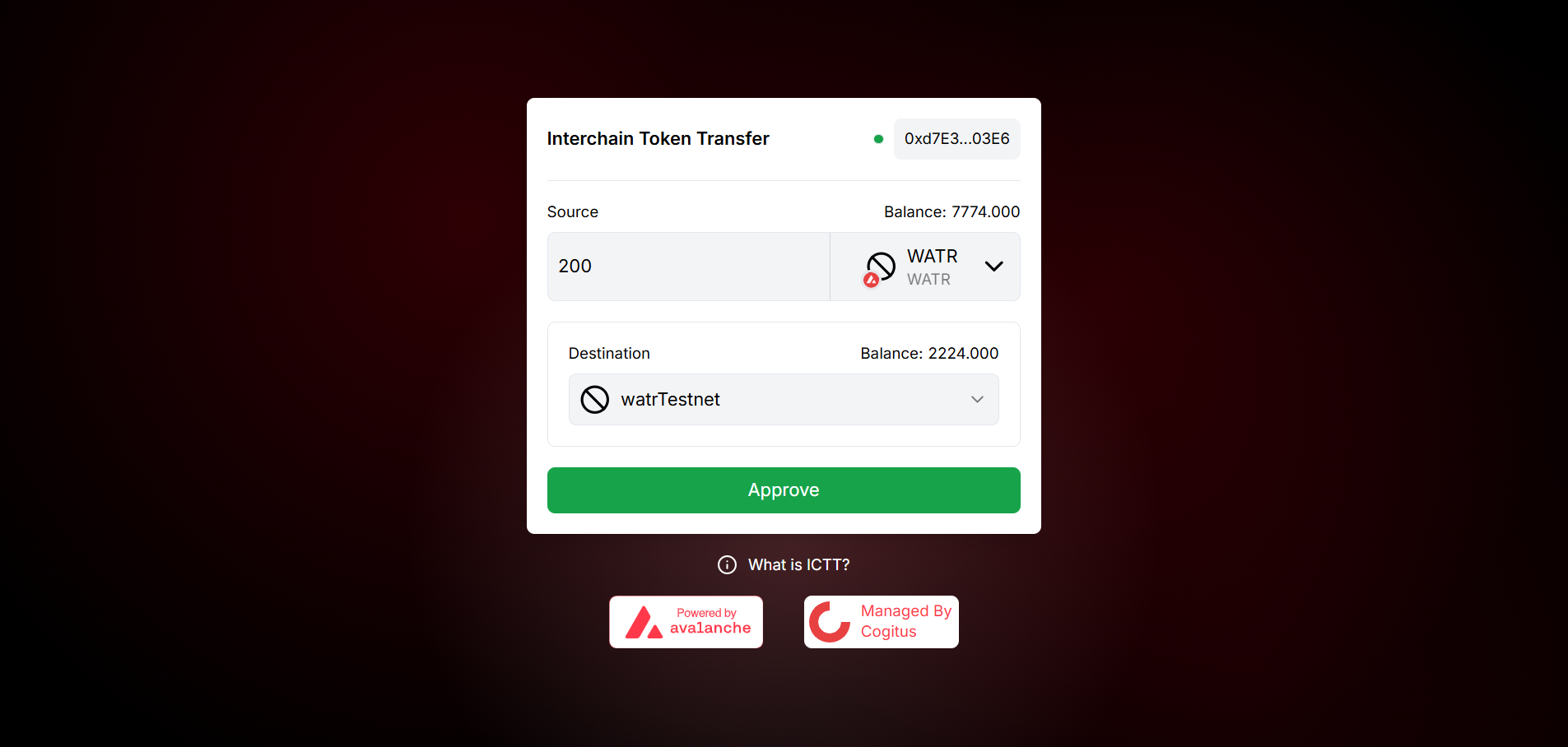
Step 4: Approve the Amount (First Transaction)
- Your wallet will prompt you to approve the token amount for the ICTT contract to spend.
- Confirm the approval transaction in your wallet.
- Wait for the approval transaction to succeed on the source chain.
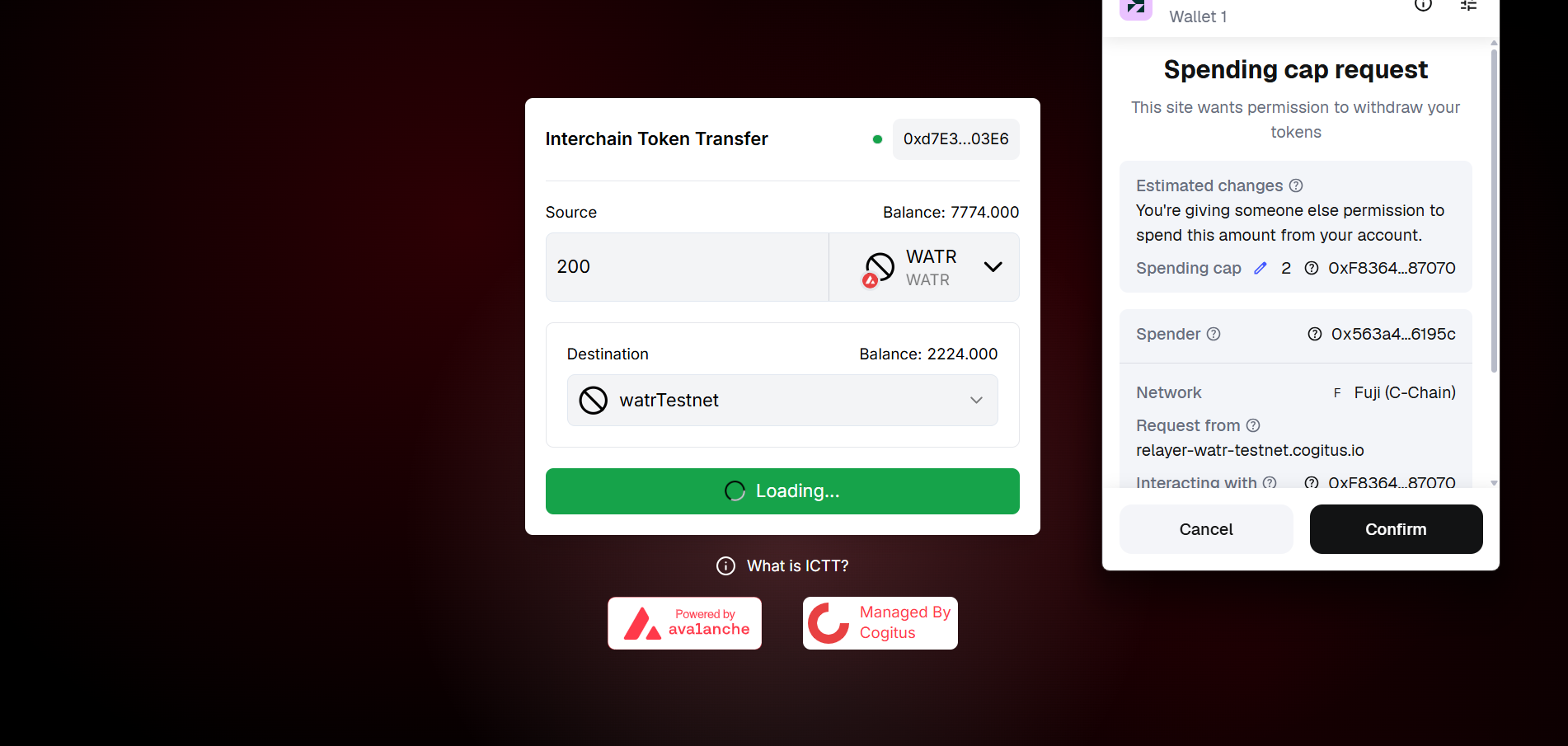
Once the approval is successful, the portal will show the option to transfer.
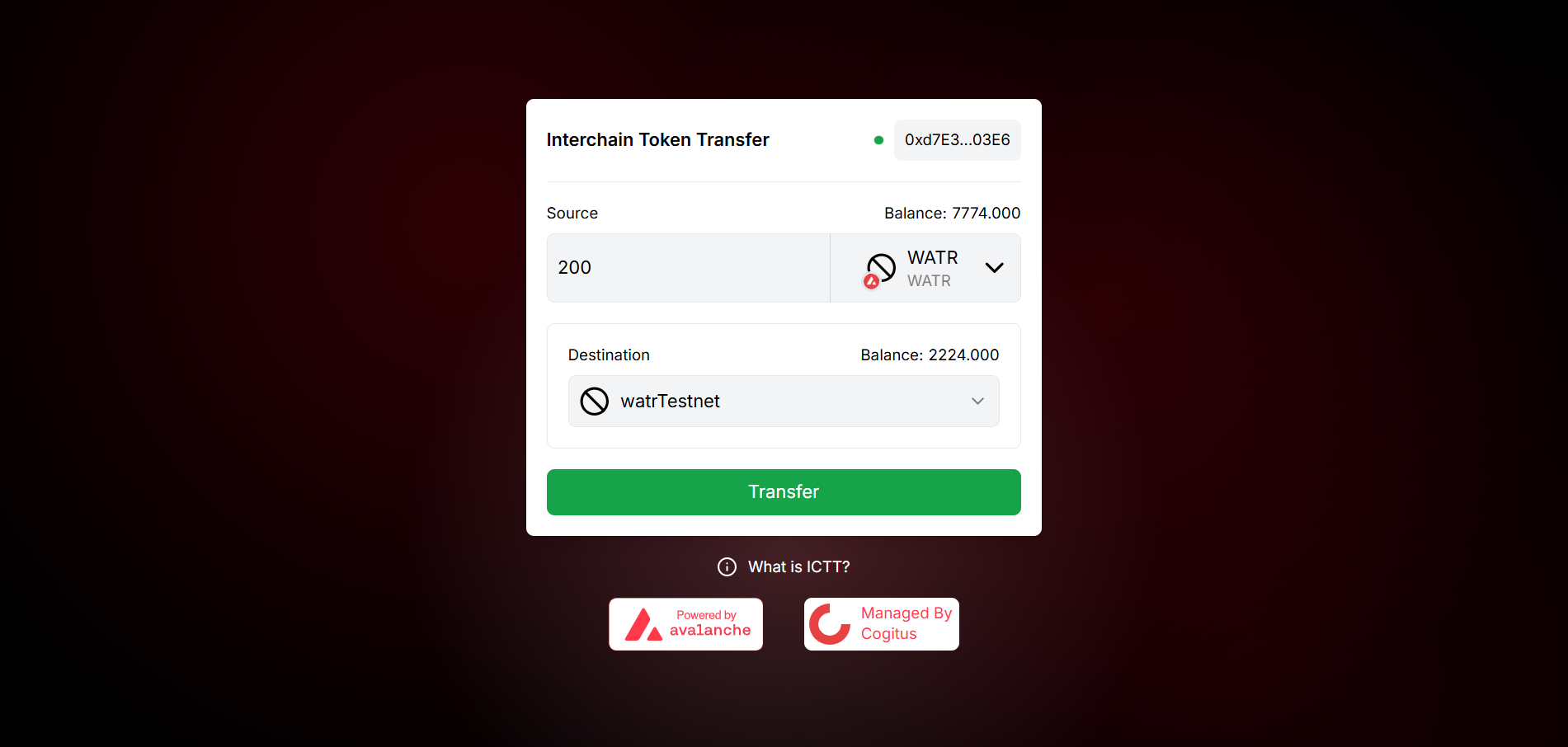
Step 5: Confirm the Transfer (Second Transaction)
- After approval, click the Transfer (or equivalent) button on the portal.
- Confirm the transfer transaction in your wallet.
- The relayer will pick up your transfer and deliver an ICM message to the destination chain.
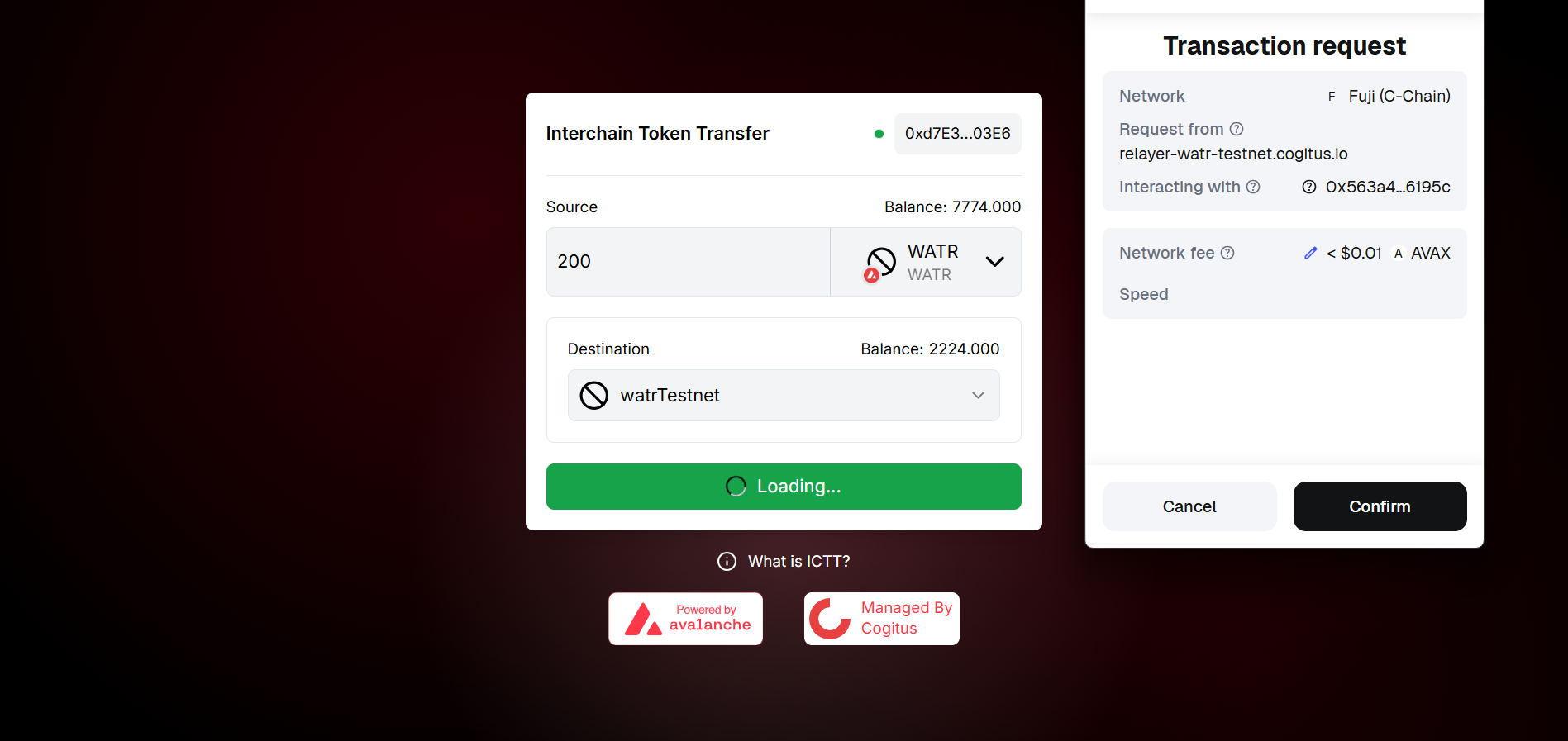
Step 6: Tokens on the Destination Network
- Wait for the relayer to deliver the message to the destination chain.
- Once the transfer is processed, your WATR tokens will appear in your wallet on the destination network.
- Switch your wallet to the destination chain (Watr Testnet or Fuji C-Chain) to see the received tokens.
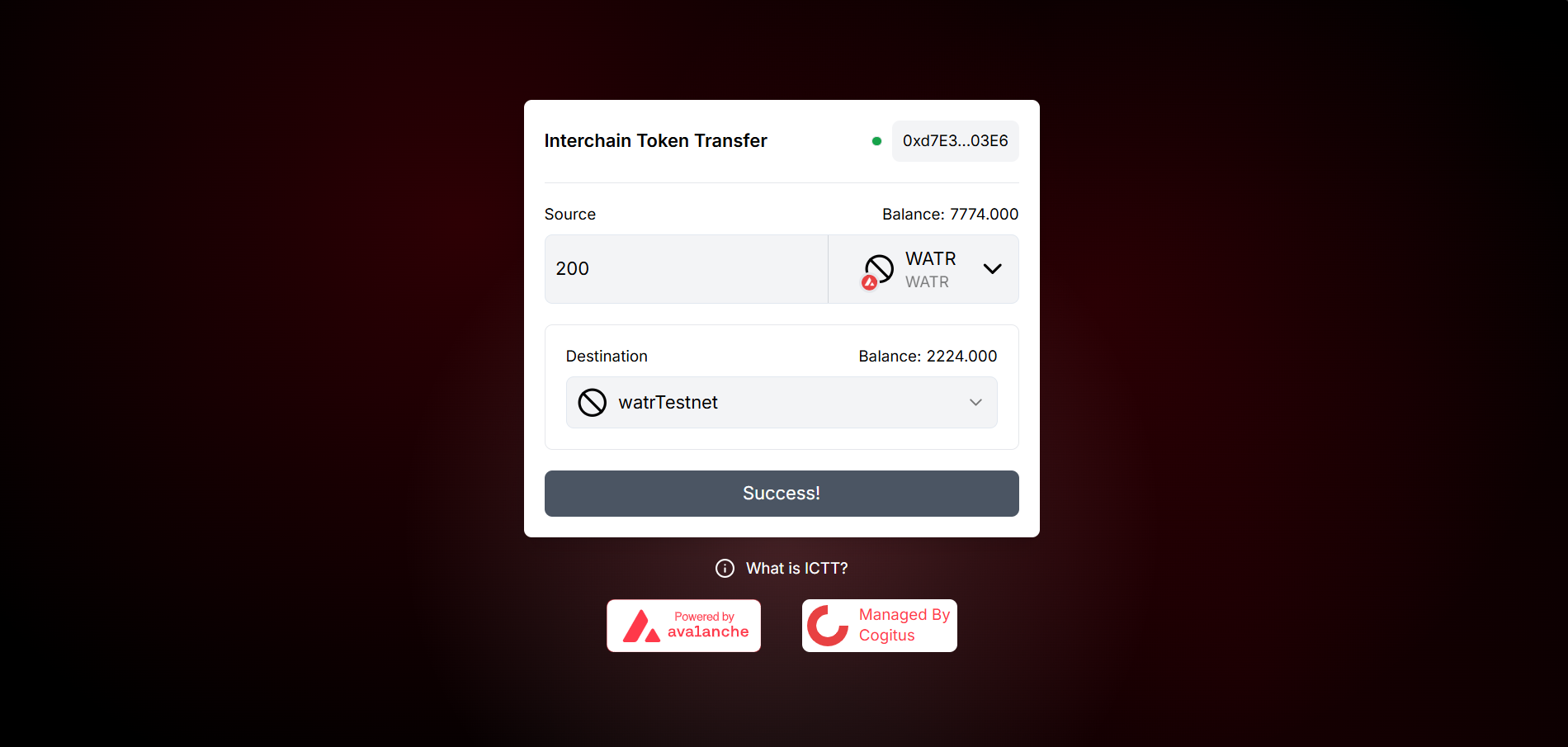
The Watr testnet ICTT relayer is managed by Cogitus. Message delivery may take a short time. If the portal shows optional fees for relayers, you can add them to encourage faster delivery.
Summary
| Item | Details |
|---|---|
| Chains | Avalanche Fuji C-Chain ↔ Watr Testnet |
| Asset | WATR |
| Portal | relayer-watr-testnet.cogitus.io/ictt |
| Relayer | Cogitus (Watr testnet) |
References
- Avalanche Interchain Token Transfer (ICTT) – Official overview – Concepts, TokenHome/TokenRemote, multi-hop, sendAndCall, and upgradability
- Watr Testnet ICTT Relayer Portal – Transfer WATR between Fuji and Watr testnet
- What is ICTT? – Avalanche Academy – Introductory course on ICTT